
(Mon-Sun) 24/7
317-288-5474Talk to us

October 9, 2026

Standardizing conference room AV equipment across every space often leads to more meeting failures than mixing vendors. Uniformity can lock you into setups that don’t fit each room’s needs, causing technical issues and wasted time.
A conference room AV setup built from one single blueprint runs into trouble the moment a boardroom and a huddle room are asked to behave the same way. One mic spec, one screen size, forced across spaces that don't match it, and the failures show up fast.
That mismatch isn't a glitch - it's what happens when a room's size, shape and acoustics get ignored in favor of buying one thing in bulk, and so the equipment ends up fighting the space instead of working with it.
Conference room AV, done right, is never just screens and mics bolted to a wall. It's whether a boardroom pitch and a two-person huddle both come off without anyone touching a manual, and that only happens when the gear actually fits what the room is for.
Push the wrong setup into the wrong room often enough, and meetings stop running on time, or stop running at all - which is exactly why we think standardization, as a blanket rule, deserves a harder look before anyone signs off on it.
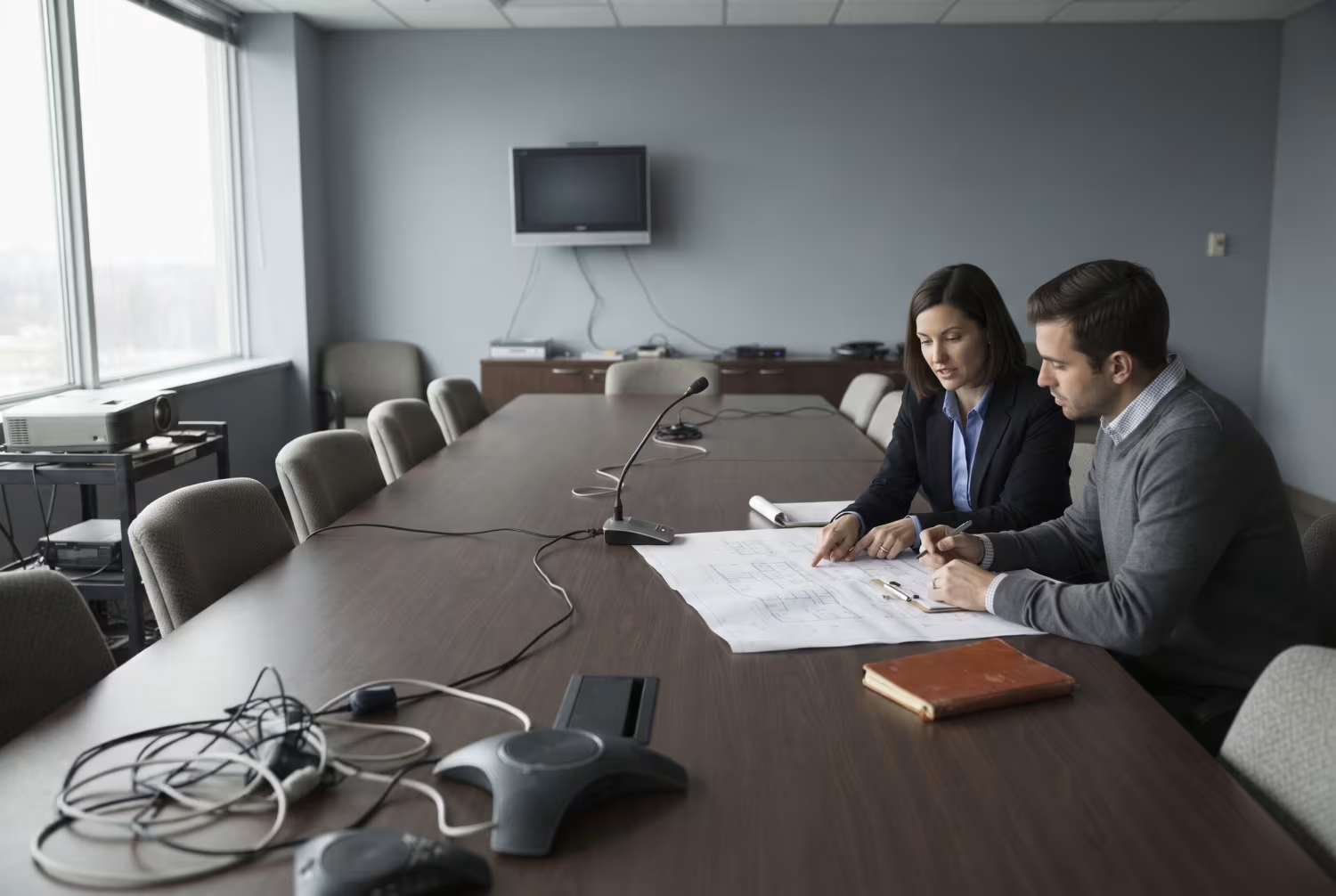
Identical AV setups fail for a simple reason: rooms aren't identical, and gear that performs in one rarely performs the same way in another.
A boardroom seating twenty needs microphones reaching the far wall and screens big enough to read from the back, while a four-person huddle space gets by on a single soundbar and one modest display - and so running the big room's spec in the small room, or the small room's spec in the big one, causes trouble either way.
When the gear doesn't match the room, the symptoms show up quickly: echo bouncing off hard surfaces, cameras framing half a table, connections that drop the moment someone dials in remotely. None of that is a hardware defect - it's a mismatch problem.
And because staff expect the system to behave the same way everywhere, the inconsistency reads as unreliability even when each individual piece of equipment is working exactly as designed. That expectation gap costs meeting time, and it adds up.
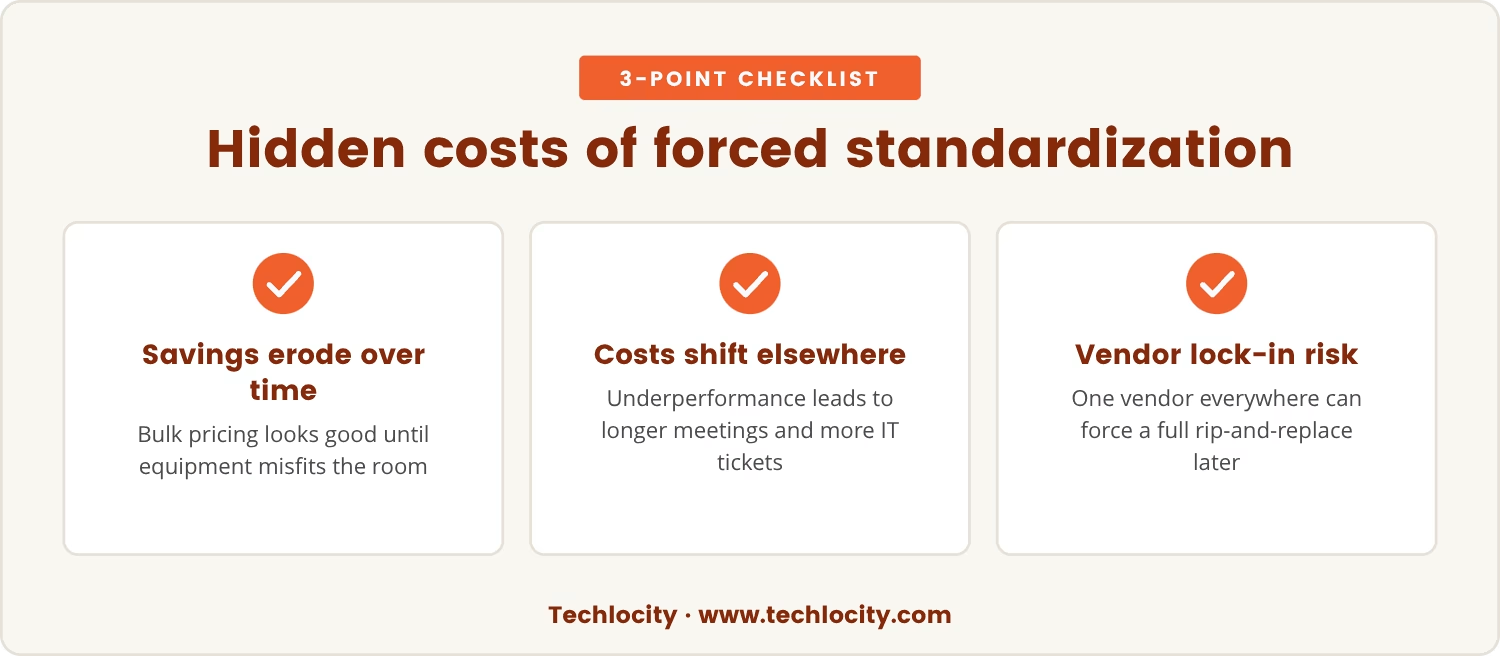
Forced standardization carries costs that don't show up on the purchase order.
Buying one system in bulk lowers the sticker price and simplifies training, so the savings look real at the outset, but those savings erode the moment the equipment stops matching the room it's sitting in.
Once a system underperforms, meetings run long, IT fields more tickets, and the business absorbs the lost time somewhere else on the ledger - so the money saved up front gets spent again, just under a different line item.
There's a second cost that's less obvious: a single vendor across every room can lock a business into one roadmap, and so any later change to one room's needs risks turning into a rip-and-replace project for the whole system rather than a swap in one place.
Conference room AV in Indiana runs into its own local wrinkles on top of the room-by-room mismatch problem.
Older buildings bring thick walls and layouts drawn up long before video conferencing existed, while newer open-plan offices introduce their own flavor of echo and background noise, so the acoustic problem looks different depending on which era of building you're standing in.
Local building codes and wiring rules can also narrow where screens, speakers and cabling are allowed to go, which means a setup that's technically ideal on paper may simply not be installable as drawn.
Taken together, these constraints make a one-size-fits-all system even less realistic here than in a market with more uniform building stock, and so the room-by-room approach isn't a preference - it's closer to a requirement.
Mixing AV vendors worries some businesses, but the worry is usually about compatibility rather than performance.
Standard connections like HDMI and USB mean most modern equipment talks to most other modern equipment without much fuss, which loosens the case for sticking to one brand everywhere.
Picture two rooms down the same hallway: one hosts the leadership team's weekly review and needs a high-end camera with tight framing, the other hosts quick stand-ups and needs nothing more than a basic lens - our rule of thumb is to size the equipment to the room's actual job, not to the brand already sitting in the closet.
That same logic pays off on upgrades: when only one room's needs change, only that room's equipment needs to change, and the rest of the system stays untouched.
Matching AV equipment to each room's requirements is what actually produces a reliable, user-friendly setup - not running the same spec everywhere. Here's where that room-by-room logic plays out most clearly:
Room size and layout set the baseline for what the audio needs to do. A boardroom needs microphones and speakers reaching the far corner, while a small huddle room gets full coverage from one soundbar - match the gear to the footprint and everyone hears and is heard.
Meeting purpose decides which features actually earn their keep. A training session wants interactive screens and wireless sharing, while a five-minute check-in needs nothing more than basic video, so tailoring the kit to the meeting type keeps the room simple rather than over-equipped.
A hybrid meeting room setup has to serve two audiences at once - the people at the table and the people dialing in. That means cameras wide enough to capture the whole room and microphones sensitive enough to pick up every voice, and getting that combination right is what makes the hybrid format actually work rather than just technically function.
Video conferencing equipment for business has to answer to whatever platform and workflow a given team already runs on, whether that's recording every session or streaming a presentation out. Picking hardware for that specific need, rather than for a generic spec sheet, keeps the room doing its job without adding complexity nobody asked for.
Future upgrades get easier when each room runs its own setup rather than one shared system. A single room can be refreshed on its own schedule, and so staying current never means tearing out everything at once.
A tailored AV approach pays off against a uniform system in ways that compound over time:
Choosing a conference room AV setup starts with how each individual space actually gets used.
Think through the size, shape and typical headcount of each room, and ask honestly whether the current setup supports how your teams work or quietly gets in the way.
Planning for the future matters just as much, because needs shift as a business grows, and a flexible room-by-room approach absorbs that change without forcing a full overhaul.
We'd point most businesses toward working with an experienced AV provider who can balance consistency with customization and recommend equipment that works well together even when it's pulled from different vendors - that's table stakes in this business, not a luxury add-on.
The real risk in forcing one AV setup across every room is mechanical, not dramatic: mismatched gear fails more often because it's being asked to do a job it wasn't sized for.
A room-by-room approach, where each space gets the equipment it actually needs, produces fewer of those failures and keeps meetings running the way they're supposed to.
In the end, we'd rather plan for flexibility than chase uniformity for its own sake.
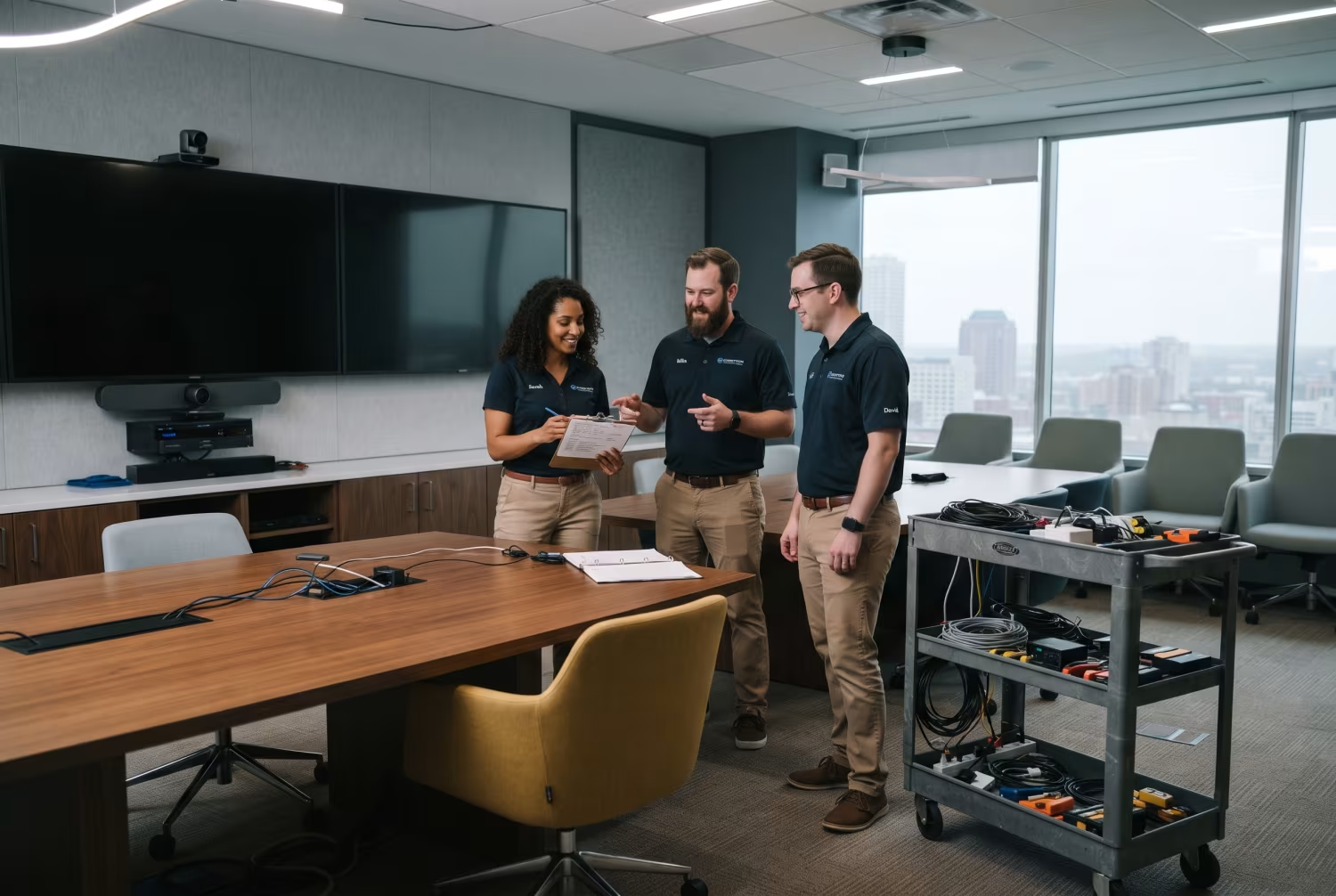
Many businesses with 25 to 150 employees find themselves struggling with AV setups that don’t fit every room or meeting style. At Techlocity, we understand how frustrating it is when technology gets in the way of your team’s work.
If you’re ready to see how a flexible, room-by-room approach can improve your meetings, let’s talk about what would work best for your business.
Try our AV solutions risk-free for 90 days—see how the right fit for each room can make a difference for your business.
Most modern AV equipment runs on standard connections like HDMI, USB, or Ethernet, so devices from different brands tend to integrate without much drama. Check that everything supports the same basic standards and that your video conferencing platform is compatible with the hardware you're choosing, and bring in an experienced installer if anything about the combination looks uncertain.
Look for equipment sized to the room: displays everyone can see from their seat, microphones that pick up every voice, speakers that cover the whole space. Reliability comes from matching the technology to the situation, not from picking the same brand for every room.
Not necessarily - more brands can mean more manuals and more support contacts, but the real difficulty comes from mismatched equipment, not from the number of vendors involved. When each room's setup is documented and chosen for its specific job, troubleshooting is often faster, because problems stay contained to one room or device.
Start by listing what kind of meetings each room actually hosts. Large presentations, hybrid meetings and training sessions tend to need features like multiple cameras, wireless sharing, or interactive displays, while smaller rooms or quick meetings usually need nothing more than basic video conferencing.
Yes - when the technology fits how a team actually works, meetings run more smoothly and people stay more engaged in them. Technical friction and confusing setups pull attention away from the meeting's purpose, so a well-matched system keeps the focus on collaboration instead of troubleshooting.
_DSC9958%20(1).webp)
